Scoreflection
Note-by-note verdicts
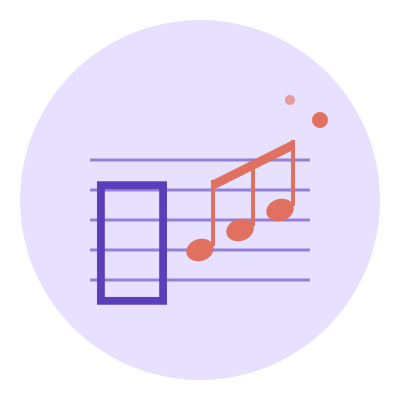
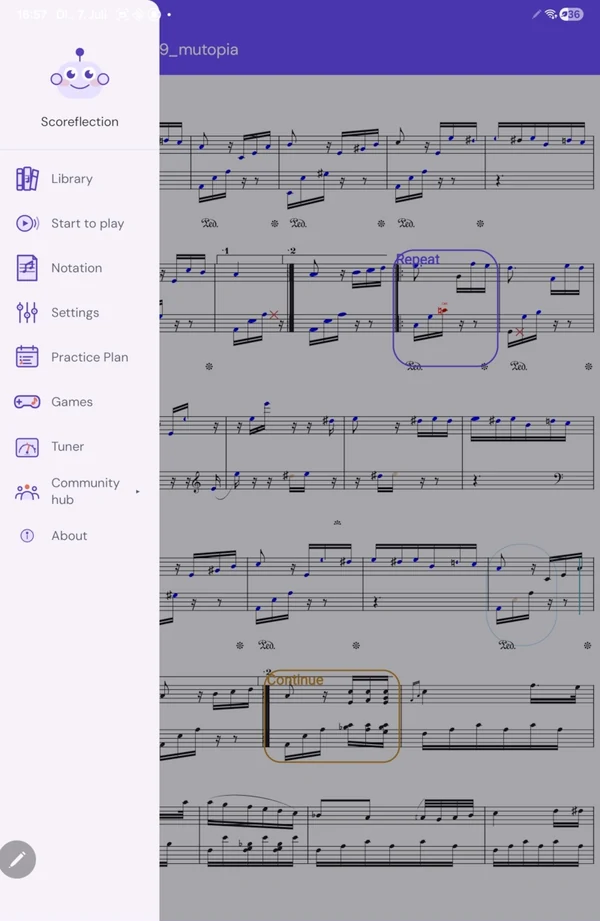
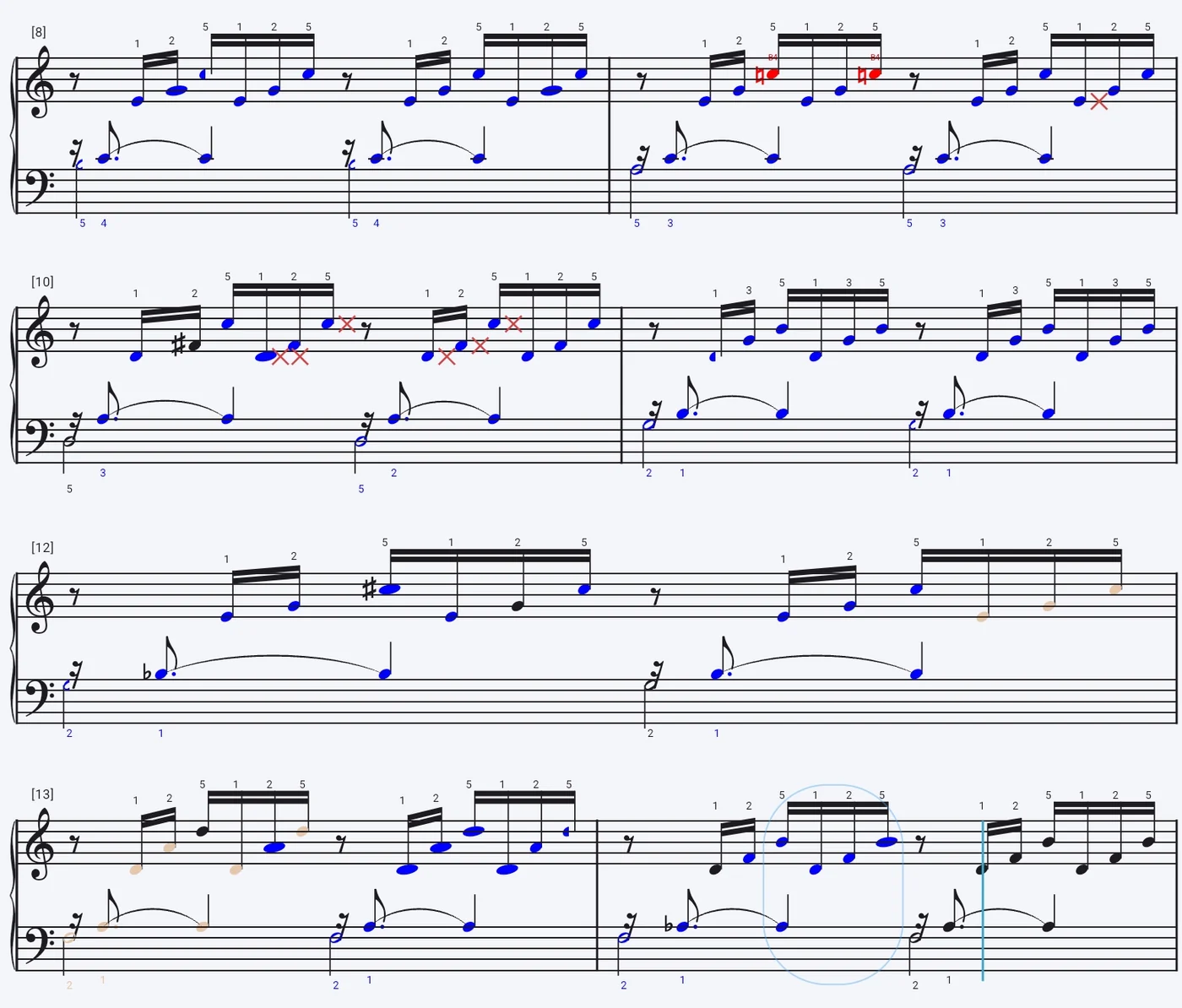
Every notehead is coloured the moment you pass it: correct, wrong, not played, too short, too long. Notes you played but never meant to appear as ghosts on the staff.
Play, and Scoreflection hears you. A neural transcription model turns the sound of your instrument back into notes, a score follower keeps its place bar by bar, and every notehead is marked the moment you pass it — right, wrong, missed, rushed. All of it on your phone.
Most practice apps run a frequency estimator — a tuner in a trench coat, one note at a time. Scoreflection runs a neural transcription model we trained ourselves. Raw sound goes in; real notes come out, chords and both hands included, and they get matched against the score in front of you.
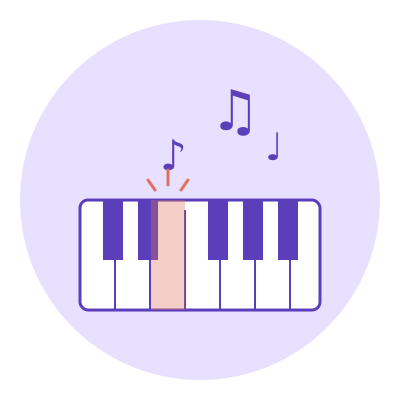
Play acoustically and the microphone is enough — no interface, no pickup, no setup. Prefer wires? Plug in a USB MIDI keyboard and the engine takes that instead.
Our own model turns what it hears back into notes. It is polyphonic, so a six-note chord comes back as six notes rather than one confident guess — and it works on the instrument in your hands, not just on a studio piano.
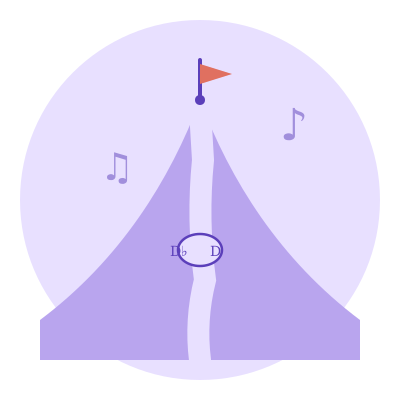
The follower knows where you are, bar by bar. Repeats, first and second endings and a sudden D.C. al fine don't shake it — and when you lose your place and start a bar over, it finds you again instead of marking everything after it wrong.
Each note you played is lined up with the notehead it was meant to be. Octave slips are recognised for what they are, and your instrument's own overtones are thrown out before anything is held against you.
A real take, not a mock-up: hands on the keys, and on the tablet each note takes its colour the moment the engine hears it.
Every note you played, marked on the page you were reading. The shape carries as much as the colour — so you can read the damage at a glance.
From the first sight-read to a polished performance — built around how you actually learn a piece.
Every notehead is coloured the moment you pass it: correct, wrong, not played, too short, too long. Notes you played but never meant to appear as ghosts on the staff.
The follower knows the road map — repeats, first and second endings, D.C., ornaments and ties. Jump back a bar to try again and the page is already there with you.
Play acoustically and let the model listen, or plug in a USB keyboard for note detection with nothing left to infer. Same feedback either way.
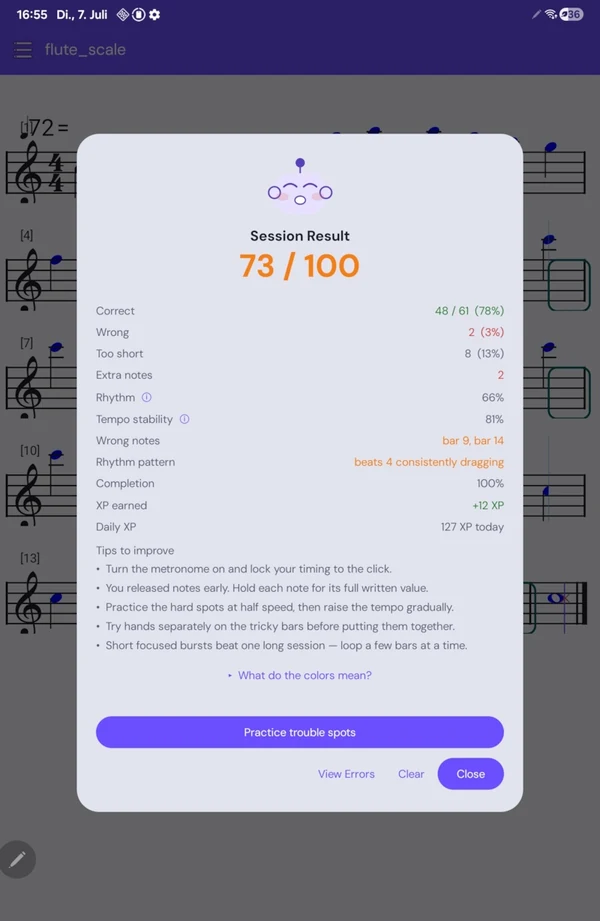
It tells you to slow down while you're still rushing, marks the bars where the tempo slid, separates a recurring rhythmic tic from an honest drift, and notices when you're playing too soft to be heard.
Each session lands a mark out of 100 and a grade, built from pitch accuracy, rhythm, timing, tempo stability and how far you got. The notes you keep missing are remembered — and turned into your next exercise.
Import MusicXML, compressed MXL, MNX or LilyPond — the format is sniffed from the file, so downloads without an extension just work. Only have it on paper? Photograph the page and let the scanner have a go (currently under development!).
Choose what you're playing and the right listener is loaded for it — the polyphonic model for keys and chords, the monophonic pitch model for a single line. B♭ and E♭ instruments are transposed for you: the engine compares what you sounded against what's written.
Two families are marked supported below, and that word means measured: piano and the fretted strings have been checked against real recordings of people playing them. The others load a listener and are still being tested, so they are marked under development rather than sold as finished.
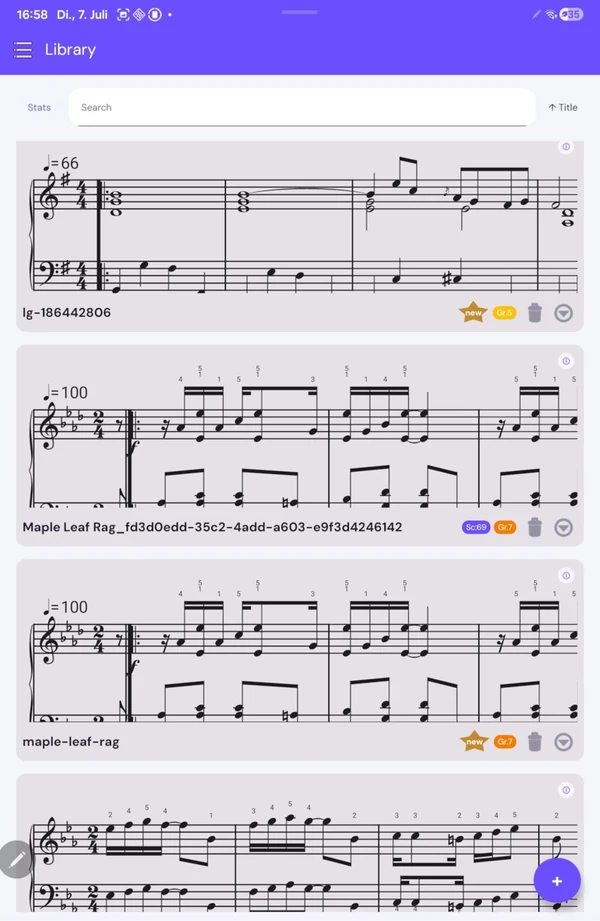
The library, the playback and the tuner cost nothing. What you pay for is the engine listening back — a little of it, or as much as you want.
See exactly what it heard — and what it didn't.